
Creating a home workspace that is both clutter-free and productive can make a huge difference in how you approach your workday. Whether you’re working remotely full-time or just need a dedicated area for occasional tasks, organizing your space thoughtfully can improve your focus, reduce stress, and increase efficiency. This guide offers practical tips to help you set up and maintain a workspace that supports your productivity and well-being.
Why a Clutter-Free Workspace Matters
When your workspace is cluttered, it can be challenging to find what you need quickly, which interrupts your workflow. Visual distractions and disorganization can lead to increased stress and reduced motivation. A clean and organized environment helps your brain focus on tasks instead of processing unnecessary stimuli. Plus, having a designated spot for your work promotes a clear boundary between professional tasks and personal life.
Choose the Right Location
Selecting the ideal spot for your workspace is the foundation for productivity. Look for a quiet area with minimal distractions. Natural light is a bonus, as it can boost mood and energy levels. Consider:
– Away from high-traffic areas to reduce noise
– Near power outlets to keep devices charged
– A space with enough room for your essential equipment and comfort
If space is tight, even a small nook with a compact desk can be effective as long as it meets your basic needs.
Invest in Functional Furniture
Comfortable and functional furniture supports productivity by preventing discomfort and encouraging good posture. Some essentials include:
– Ergonomic Chair: Provides proper back support to reduce strain
– Desk with Adequate Surface Area: Enough space for your laptop, planner, and supplies without feeling cramped
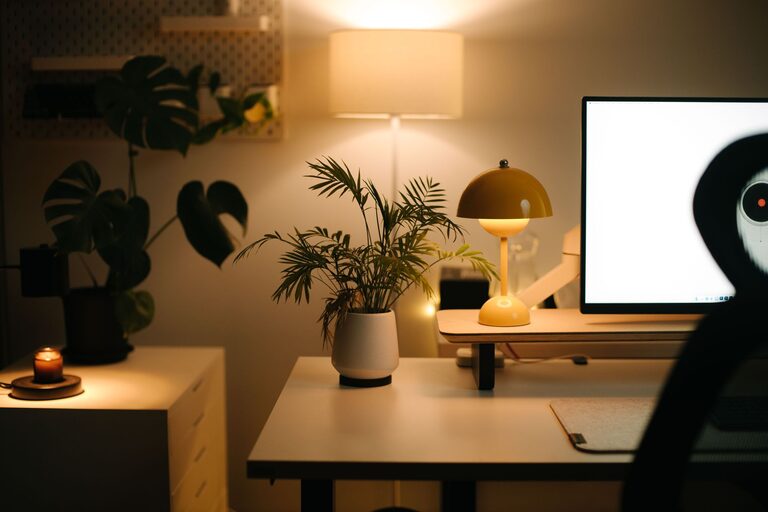
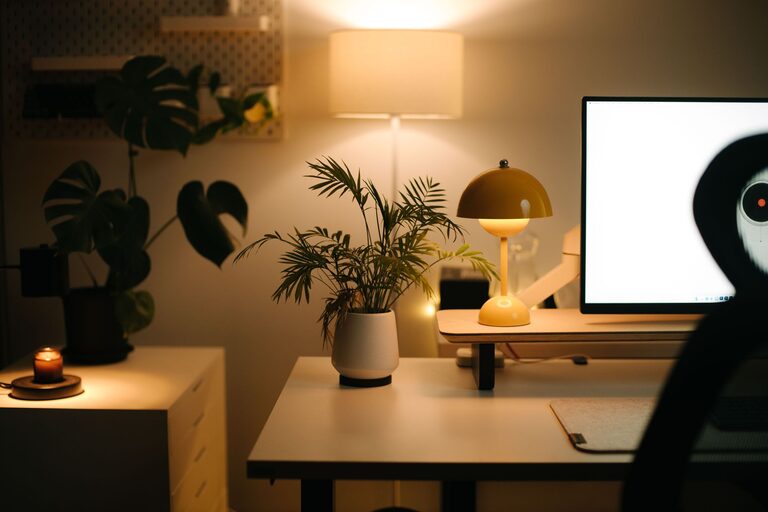
– Adjustable Lighting: Desk lamps or task lights to reduce eye strain during evening work sessions
Choosing furniture that fits your space and supports your workflow can help you focus longer and work more efficiently.
Declutter and Organize Regularly
Over time, papers, office supplies, and tech accessories can pile up. Keep clutter at bay with regular organization habits:
– Daily Reset: Spend 5 minutes at the end of each workday tidying your desk
– Use Storage Solutions: Drawers, shelves, bins, or desk organizers keep items sorted and accessible
– Go Digital: Whenever possible, scan documents and keep digital files organized instead of stacks of paper
By developing a routine for decluttering, you maintain a clean and inspiring workspace.
Use Smart Storage Solutions
Effective storage combines function and ease of access. Here are some ideas:
– Drawer Dividers: Separate small items like pens, clips, and chargers
– Vertical Shelving: Utilize wall space to store books or binders
– Cable Management: Use clips or sleeves to reduce tangled cords
– Labeling: Label containers or folders so you can find what you need without search time
Proper storage not only keeps your desk tidy but also saves time and reduces frustration.
Personalize Without Overdoing It
Adding personal touches makes your workspace feel inviting and motivating. This can include:
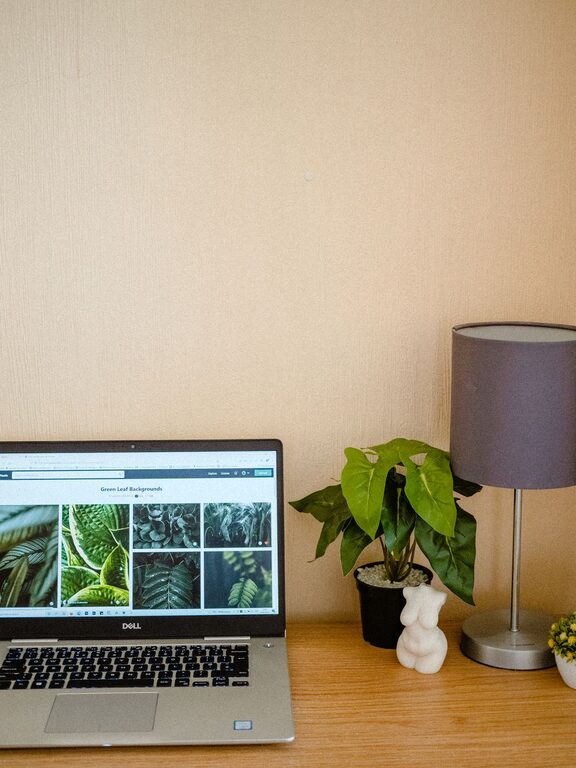
– A small plant for a bit of greenery
– Inspirational quotes or artwork on the walls
– A favorite mug or decorative item
While personalization is good, try to keep decorations minimal to avoid clutter and distractions.
Set Boundaries and Define Work Hours
Having a designated workspace helps separate work from leisure, but setting clear work hours can improve productivity further. When you start your workday, set up your space and eliminate distractions. When your workday ends, shut down your equipment and leave the area, if possible. This separation encourages focus during work hours and relaxation afterward.
Maintain Good Lighting and Air Quality
Working in a poorly lit or stuffy space can lower energy and focus. To boost your workspace environment:
– Opt for natural light when possible
– Use adjustable lighting to suit different tasks
– Ensure good ventilation or use an air purifier
A bright, fresh workspace helps keep you alert and comfortable throughout the day.
Keep Technology Organized and Updated
Your devices are key tools for productivity, but they can also create clutter or inefficiency if unmanaged. Tips include:
– Keep cables neat using ties or holders
– Regularly back up files to avoid last-minute stress
– Keep software updated for better performance and security
– Invest in a good quality mouse and keyboard for comfort
An organized, well-maintained tech setup supports smooth workflow and minimizes frustration.
Develop Daily Habits to Stay Organized
Organization is not a one-time task but a continuing process. To maintain a productive workspace:
– Set aside a few minutes at the start or end of each day to tidy
– Review your task list and workspace setup weekly to adjust as needed
– Keep only essentials on your desk to avoid visual clutter
– Use reminders or apps to track organization goals
By integrating these habits into your routine, your home workspace remains an inviting and efficient place to get work done.
—
Final Thoughts
A clutter-free and productive home workspace is achievable with thoughtful planning and regular upkeep. By choosing the right location, investing in functional furniture, practicing consistent decluttering, and personalizing the space mindfully, you can create an environment that enhances focus and motivation. Remember, the goal is to design a space that works best for your unique needs and helps you perform at your best every day.
Start small with one or two changes, and gradually create a workspace you look forward to using. Your productivity and well-being will thank you!
About the Author