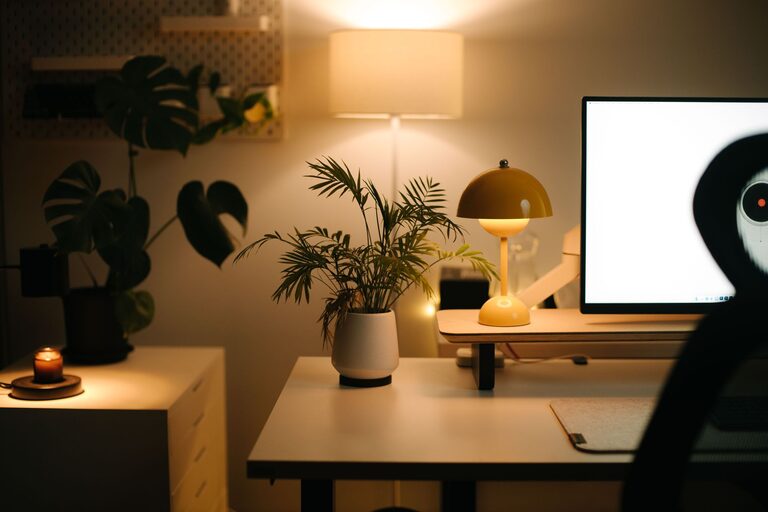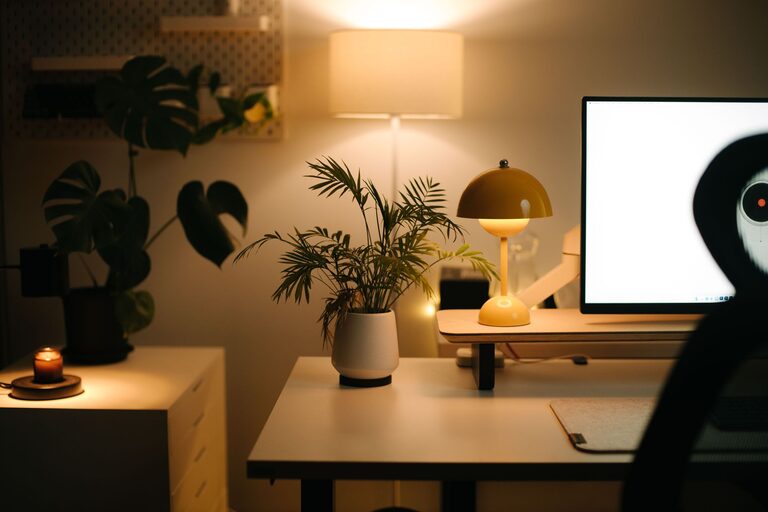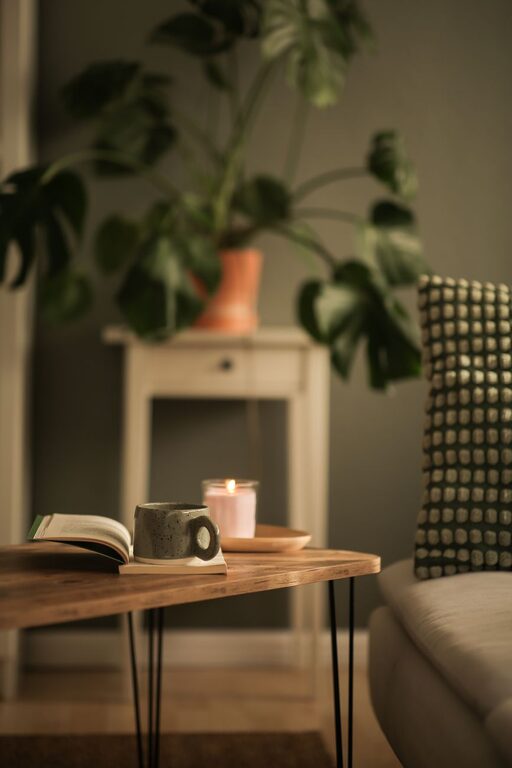
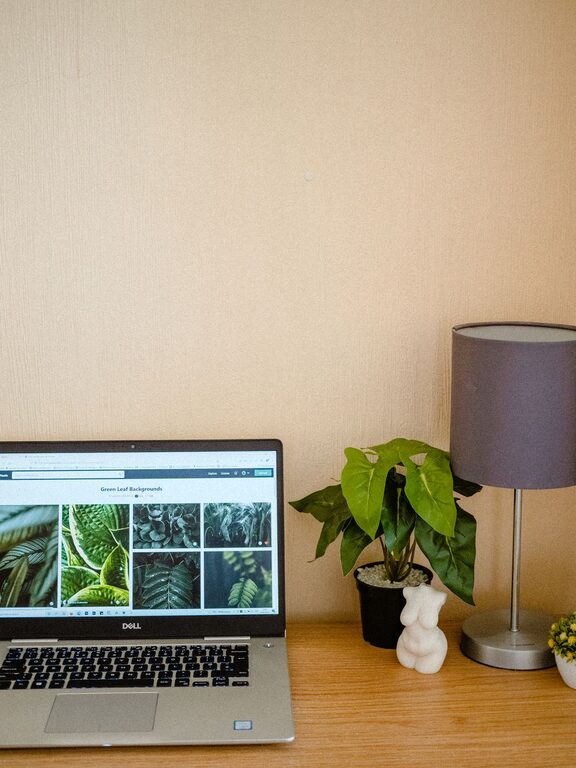
Creating a cozy and functional home workspace is more important than ever. Whether you work remotely, study, or pursue hobbies that require a dedicated area, having a space that balances comfort with productivity can make all the difference. In this post, we’ll explore practical tips to help you design a home workspace that feels inviting and supports your daily tasks.
Why Your Workspace Matters
Your environment affects your focus, mood, and efficiency. A well-designed home workspace can reduce distractions, improve posture, and create a sense of calm. By intentionally setting up your area, you’ll find it easier to separate work time from leisure and stay motivated throughout the day.
Choose the Right Location
Find a Quiet Spot
Select a space in your home where you can work with minimal noise and interruptions. This might be a spare room, a section of your bedroom, or even a corner of the living room. Choose a spot that feels private and allows you to concentrate.
Consider Natural Light
Lighting plays a big role in comfort and alertness. If possible, position your desk near a window to take advantage of natural daylight. This can help reduce eye strain and boost mood. If natural light is limited, invest in a good quality desk lamp with adjustable brightness.
Invest in Comfortable and Functional Furniture
Choose an Ergonomic Chair
Long hours at a desk require good support. A comfortable, adjustable chair helps maintain proper posture and reduces the risk of back or neck pain. Look for chairs with lumbar support and adjustable height.
Select a Desk That Fits Your Needs
Your desk should be big enough for your computer, notebooks, or creative materials, but not so large that it feels overwhelming. If space is tight, consider a wall-mounted foldaway desk or a compact writing table.
Organize to Minimize Clutter
Use Storage Solutions
Keep your workspace tidy with storage options like shelves, drawers, or organizers. Use trays or bins for stationery, documents, and tools. A decluttered desk helps improve focus and reduces stress.
Keep Essential Items Within Reach
Arrange your most-used items nearby to avoid unnecessary distractions from excessive movement. For example, keep your phone, water bottle, and chargers close by, but out of sight to maintain a clean look.
Personalize Your Space
Add Decorative Touches
Incorporate elements that make your workspace feel warm and inviting. This could be a small plant, framed photos, artwork, or a cozy throw blanket. Personal touches can boost your mood and creativity.
Choose Soothing Colors
Colors influence how you feel. Soft blues, greens, and neutral tones can create a calming atmosphere, while pops of bright colors can add energy. Pick a palette that makes you feel comfortable and focused.
Optimize Technology and Tools
Invest in Quality Equipment
Reliable technology reduces frustration. Ensure your computer, keyboard, mouse, and other essentials work smoothly. Consider adding a second monitor if your work requires multitasking.
Manage Cables Neatly
Use cable organizers, clips, or sleeves to keep cords tidy and avoid tangles. A neat workspace looks professional and helps prevent accidents or damage to equipment.
Incorporate Break Areas
Create a Spot to Relax
If possible, designate a small area nearby where you can take short breaks. A comfy chair or a cushion on the floor can provide a change of scenery and help you recharge during the day.
Practice Movement and Stretching
Set reminders to stand, stretch, and move regularly. This improves circulation and reduces fatigue, contributing to long-term well-being.
Maintain Good Air Quality
Ventilate the Room
Fresh air helps you stay alert and comfortable. Open windows when weather permits or use an air purifier if needed.
Add Plants
Indoor plants improve air quality and add a natural touch. Choose low-maintenance varieties like succulents or pothos.
Tips for Staying Productive and Comfortable
– Establish a routine with set start and end times to create balance.
– Minimize distractions by turning off non-essential notifications.
– Use noise-canceling headphones or soft background music if needed.
– Keep a water bottle handy to stay hydrated.
– Adjust lighting and temperature to your preference throughout the day.
Final Thoughts
Creating a cozy and functional home workspace is all about combining comfort, practicality, and personal style. By choosing the right location, furnishing your area thoughtfully, and organizing efficiently, you’ll build a space that supports your work and feels like your own. Small changes can lead to big improvements in your productivity and enjoyment at home.
Start with these tips and tailor your workspace to fit your unique needs—it’s a rewarding step toward better focus and balance in your daily life.
About the Author