Creating a home office that balances comfort with productivity can make a big difference in how you perform and feel throughout your workday. Whether you work remotely full-time or need a space for occasional tasks, setting up an effective home office helps you stay focused, healthy, and motivated. This guide provides practical tips to design a home office space tailored to your needs.
Choose the Right Location
Selecting the right spot in your home for your office is the first step. Consider these factors:
– Natural Light: Try to pick a space with plenty of natural light. Sunlight can improve your mood and energy levels.
– Quietness: Aim for a quieter area away from household distractions like the TV or kitchen.
– Space: Ensure there is enough room for your desk, chair, and necessary equipment without feeling cramped.
– Accessibility: Make sure the area is easy for you to get to and isn’t isolated from the rest of the house, especially if you need family or roommates nearby.
Invest in Ergonomic Furniture
Comfort plays a key role in productivity. Sitting for long hours requires furniture that supports your body properly.
– Ergonomic Chair: Choose a chair with adjustable height, lumbar support, and comfortable cushioning.
– Desk Height: Your desk should allow your forearms to rest parallel to the floor with elbows at about a 90-degree angle.
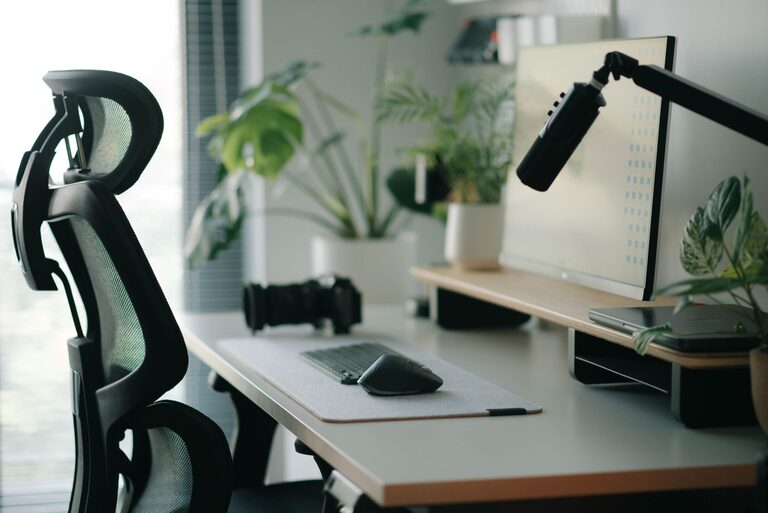
– Footrest and Monitor Stand: Use a footrest if your feet don’t reach the floor, and a monitor stand to position your screen at eye level.
Proper ergonomic setup reduces strain on your back, neck, and wrists and prevents discomfort.
Organize and Declutter
A clean and organized workspace helps you think clearly and reduces stress. Try these tips:
– Declutter Regularly: Remove unnecessary items daily or weekly.
– Storage Solutions: Use shelves, drawers, and organizers to keep supplies handy but out of the way.
– Cable Management: Keep cables tidy with clips or sleeves to avoid tangles and distractions.
– Minimalism: Keep only essential items on your desk to maintain focus.
Optimize Lighting
Good lighting reduces eye strain and sets the mood for work.
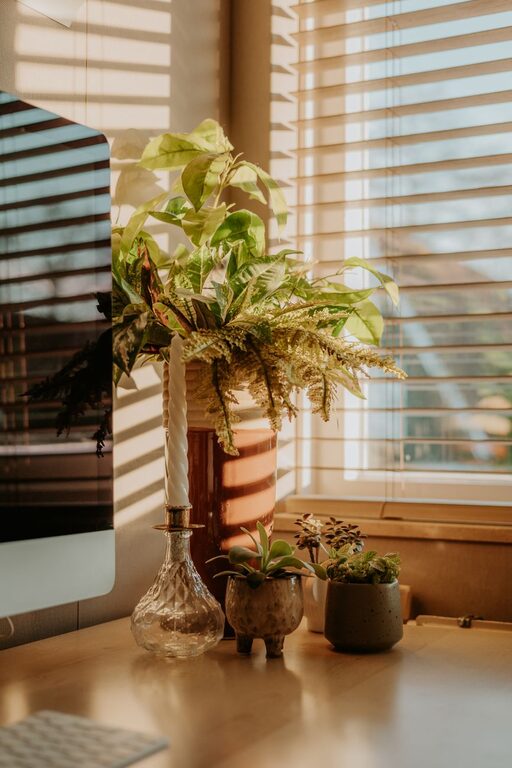
– Natural Light: As mentioned, natural light is best. Position your desk near a window if possible.
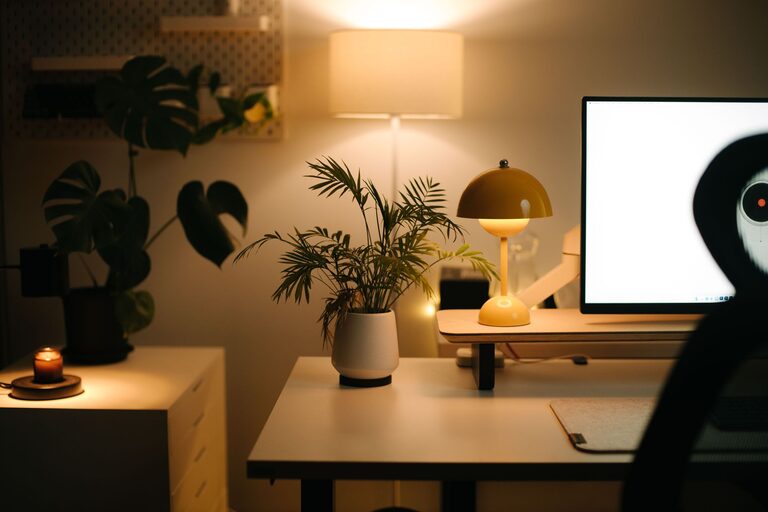
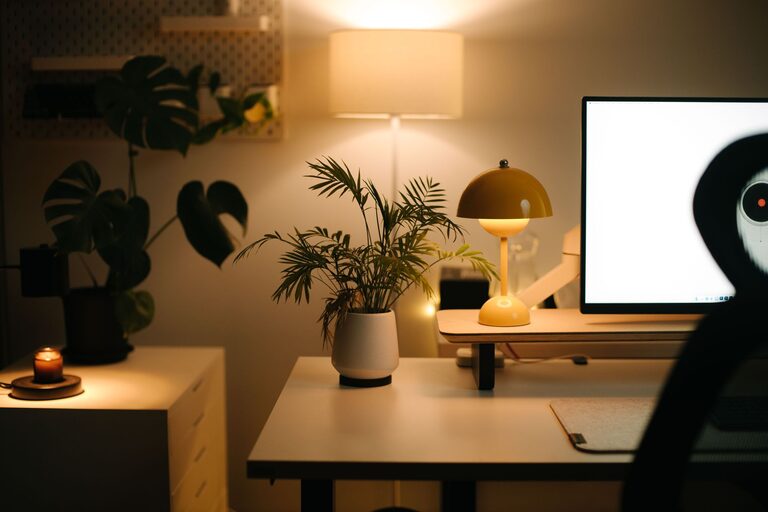
– Task Lighting: Use adjustable desk lamps to brighten your workspace on cloudy days or at night.
– Avoid Glare: Position screens to avoid reflections or glare, which can cause headaches.
Personalize Your Space
Adding personal touches makes your office inviting and inspiring.
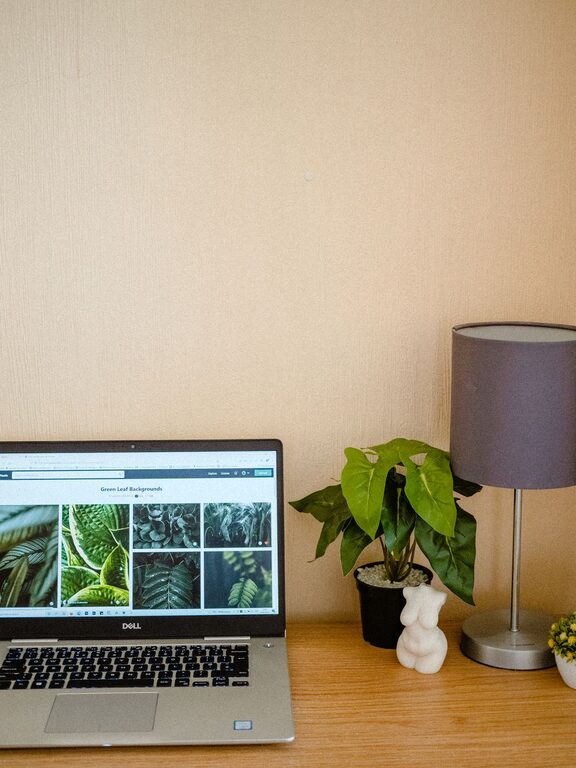
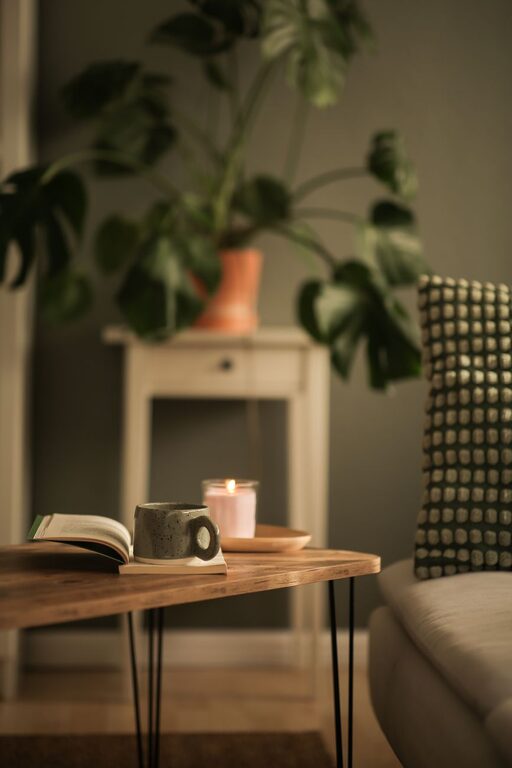
– Plants: Introduce some greenery to improve air quality and add a calming effect.
– Art or Photos: Hang artwork or family photos that make you happy but don’t distract.
– Color: Choose calming colors for walls or decor, such as soft blues or greens, to foster relaxation.
– Comfort Items: Consider a cozy blanket or a small fan/heater to control your comfort level.
Establish Boundaries
When working from home, it’s important to create mental and physical boundaries between work and personal life.
– Dedicated Workspace: Use your office area exclusively for work tasks to help your brain switch modes.
– Set Work Hours: Commit to starting and ending work at consistent times.
– Signaling: If you share a home, use a door sign or practice signals to indicate when you are working and need quiet.
– Breaks: Schedule short breaks away from your desk to avoid burnout.
Use Technology Wisely
The right tech setup supports seamless work.
– Reliable Internet: A strong internet connection is essential for video calls and file sharing.
– Monitor Setup: If possible, use dual monitors to increase screen space and efficiency.
– Noise-Cancelling Headphones: These help minimize distractions during calls or focused tasks.
– Apps and Tools: Use productivity apps that suit your workflow, but avoid overloading yourself with tools.
Maintain Good Air Quality and Temperature
A comfortable climate keeps you alert and healthy.
– Ventilation: Open windows or use air purifiers to ensure fresh air circulation.
– Temperature Control: Keep the room comfortably cool or warm depending on your preference.
– Humidity: If air is too dry or too humid, devices like humidifiers or dehumidifiers can help.
Regularly Refresh Your Setup
Don’t let your workspace become stale or uncomfortable over time.
– Rearrange: Occasionally change your desk layout or decor to keep the environment stimulating.
– Update Equipment: Replace worn-out chairs or outdated technology as needed.
– Seek Feedback: If you share your space or work with family nearby, ask for their input on noise and interruptions.
Final Thoughts
Designing a productive and comfortable home office takes intentional planning and regular care. Your goal is to create a space where you can focus efficiently without sacrificing your comfort or well-being. By following these tips—choosing the right location, investing in ergonomic furniture, keeping the space organized, and personalizing your area—you’ll set yourself up for success in your remote work or home tasks.
Remember, your home office should work for you. Feel free to adjust these suggestions based on your lifestyle, preferences, and job requirements. A well-crafted workspace can make all the difference in turning your home into a productive and enjoyable place to work.
About the Author