
Creating a workspace at home that feels cozy yet efficient is key to staying focused and motivated, whether you work remotely full-time or need a spot for side projects. A well-designed home office can enhance your productivity, reduce stress, and make work feel less like a chore. Here are practical tips to help you create a workspace that’s both comfortable and functional.
Choose the Right Location
Finding the ideal spot for your home workspace is the first step. Consider the following:
– Quiet and Private: Select a place with minimal distractions, ideally away from high-traffic areas.
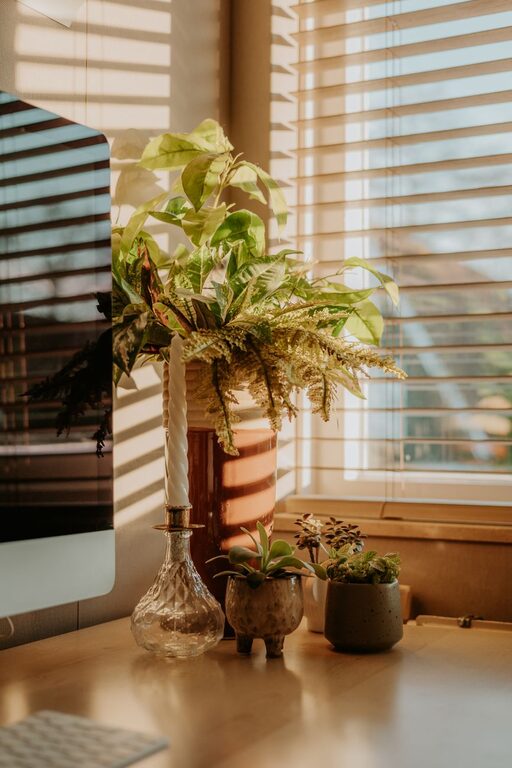
– Natural Light: Position your desk near a window if possible. Natural light boosts mood and reduces eye strain.
– Space Availability: Ensure there’s enough room for your desk, chair, and storage without feeling cramped.
Invest in Comfortable and Supportive Furniture
Comfort is crucial since you may spend several hours at your desk.
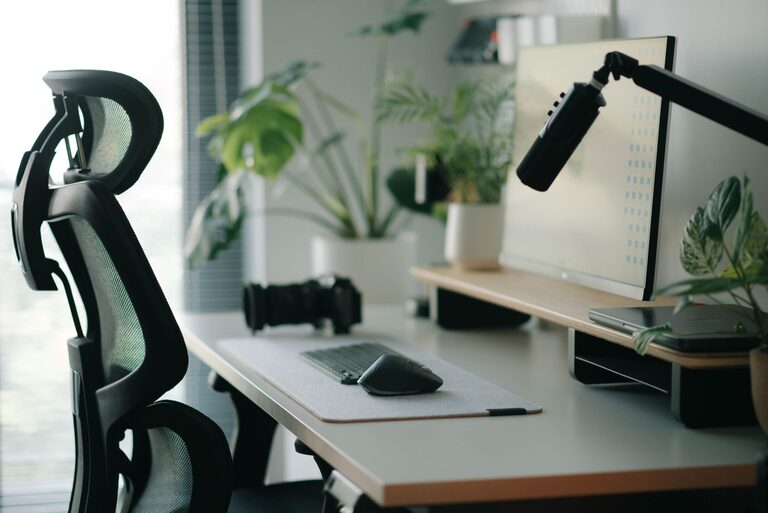
– Ergonomic Chair: Choose a chair that supports good posture with adjustable height and lumbar support.
– Desk Size: Pick a desk that fits your work essentials but leaves some extra space to avoid clutter.
– Adjustable Options: Consider a sit-stand desk to vary your working positions throughout the day.
Organize Wisely to Minimize Clutter
A tidy workspace promotes mental clarity and efficiency.
– Storage Solutions: Use shelves, drawers, or storage bins to keep supplies organized.
– Cable Management: Employ clips, sleeves, or boxes to manage cords and prevent tangles.
– Daily Cleanup: Spend a few minutes at the end of each day tidying your desk.
Optimize Lighting for Productivity
Proper lighting prevents fatigue and creates a welcoming atmosphere.
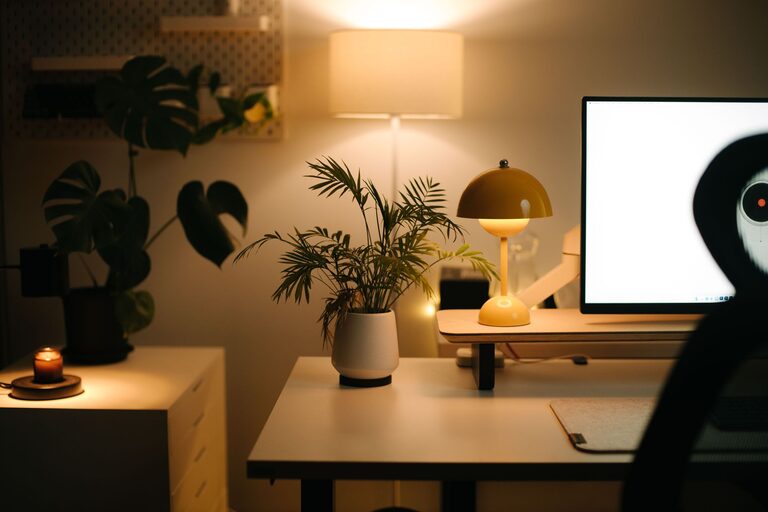
– Layered Lighting: Combine overhead lights with task lighting such as desk lamps.
– Adjustable Brightness: Use bulbs or lamps with brightness controls to suit different tasks and times of day.
– Reduce Glare: Position screens and light sources to avoid reflections that make viewing difficult.
Personalize Your Space Thoughtfully
Adding personal touches can make your workspace more inviting without causing distractions.
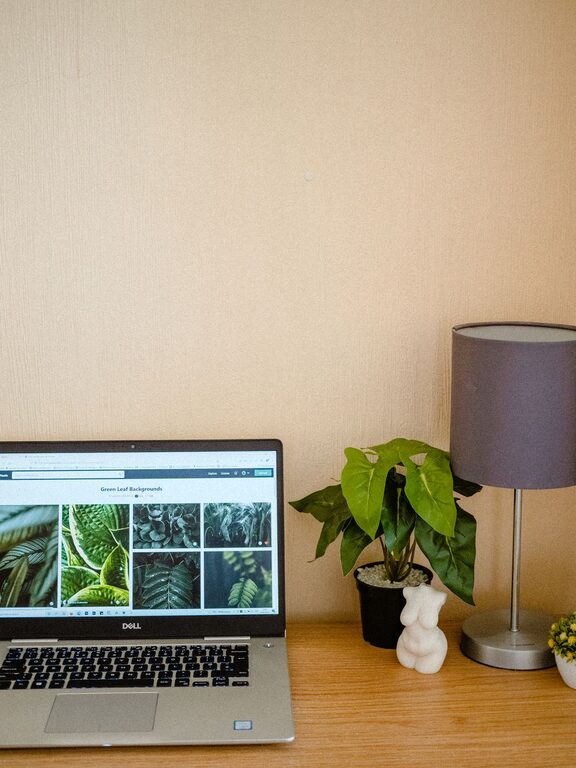
– Plants: Indoor plants add a natural element and improve air quality.
– Artwork: Choose calming or inspiring images that boost creativity.
– Colors: Use soothing colors for walls or accessories to create a peaceful environment.
Incorporate Technology and Tools Efficiently
Ensure your technology setup supports your workflow smoothly.
– Reliable Internet: A strong connection is essential for remote work and communication.
– Quality Equipment: Invest in a good monitor, keyboard, and mouse to reduce strain.
– Organized Desk: Keep only necessary devices on your desk to maintain focus.
Manage Noise Levels
Background noise can be disruptive or help some people concentrate.
– Noise-Canceling Headphones: Useful if your environment is noisy.
– Sound Machines or Music: Ambient sounds or instrumental music may improve concentration.
– Soft Furnishings: Rugs, curtains, and cushions help absorb sound and reduce echo.
Establish a Routine and Boundaries
Designing your workspace is important, but so is how you use it.
– Set Working Hours: Define when your workday starts and ends to avoid burnout.
– Take Breaks: Schedule short breaks to stretch and rest your eyes.
– Separate Spaces: Avoid working from bed or dining areas to maintain a mental distinction between work and rest.
Final Thoughts
Crafting a cozy and efficient home workspace is about balancing comfort with functionality. With careful planning of location, furniture, lighting, and organization, you can build an environment that supports your productivity and well-being. Remember to personalize your space to reflect what makes you feel motivated and relaxed. Happy working from home!
About the Author